Profiles
Profiles
Overview of Profiles
In Digital Oilfield, a profile is a set of permissions and configurations that dictate what features and functionalities are accessible to users within specific roles. Profiles are essential for tailoring the user experience and ensuring security by limiting access based on role.
Updating a Profile
Profiles can be updated to reflect changes in operational requirements or to adjust permissions as roles evolve. Use the navigation menu to access the profile settings.
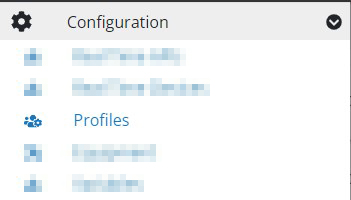
There are two main components within the profile settings:
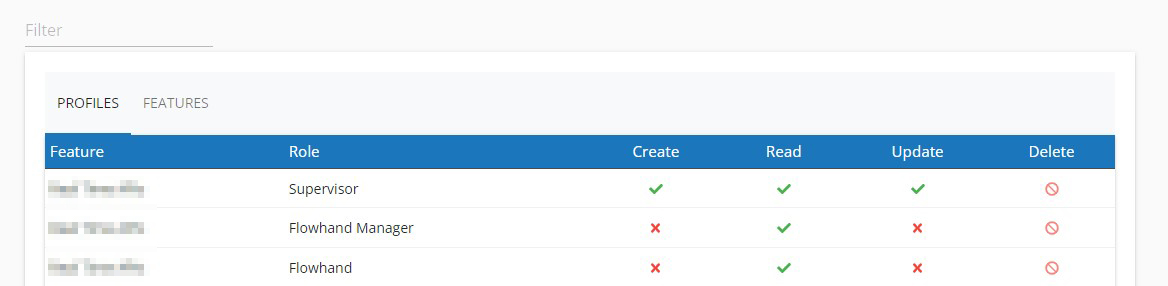
Profiles Configuration
Admins can specify which actions are permitted for each role regarding different features.
Features Management
This section allows admins to enable or disable specific features for each role, ensuring that users only access functionalities pertinent to their responsibilities.
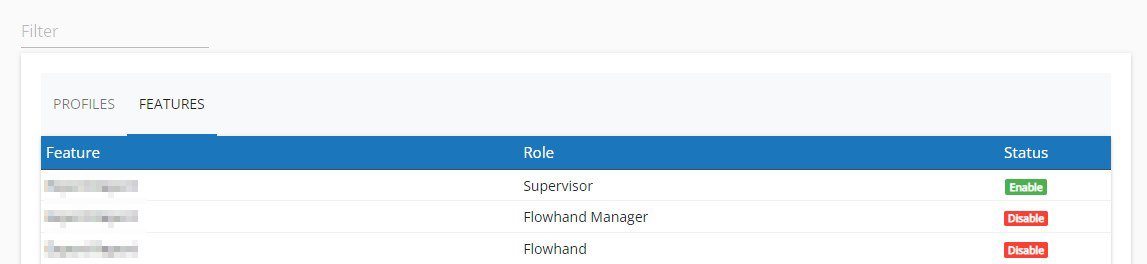
Note: Modify permissions by clicking on each permission toggle. Save changes once modifications are completed. Be aware that some permissions are locked by the system (🚫) and cannot be altered.