
Users
Understanding Users
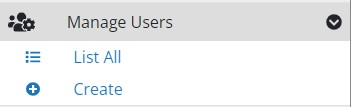
Manage user accounts using the navigation menu.
Create a User
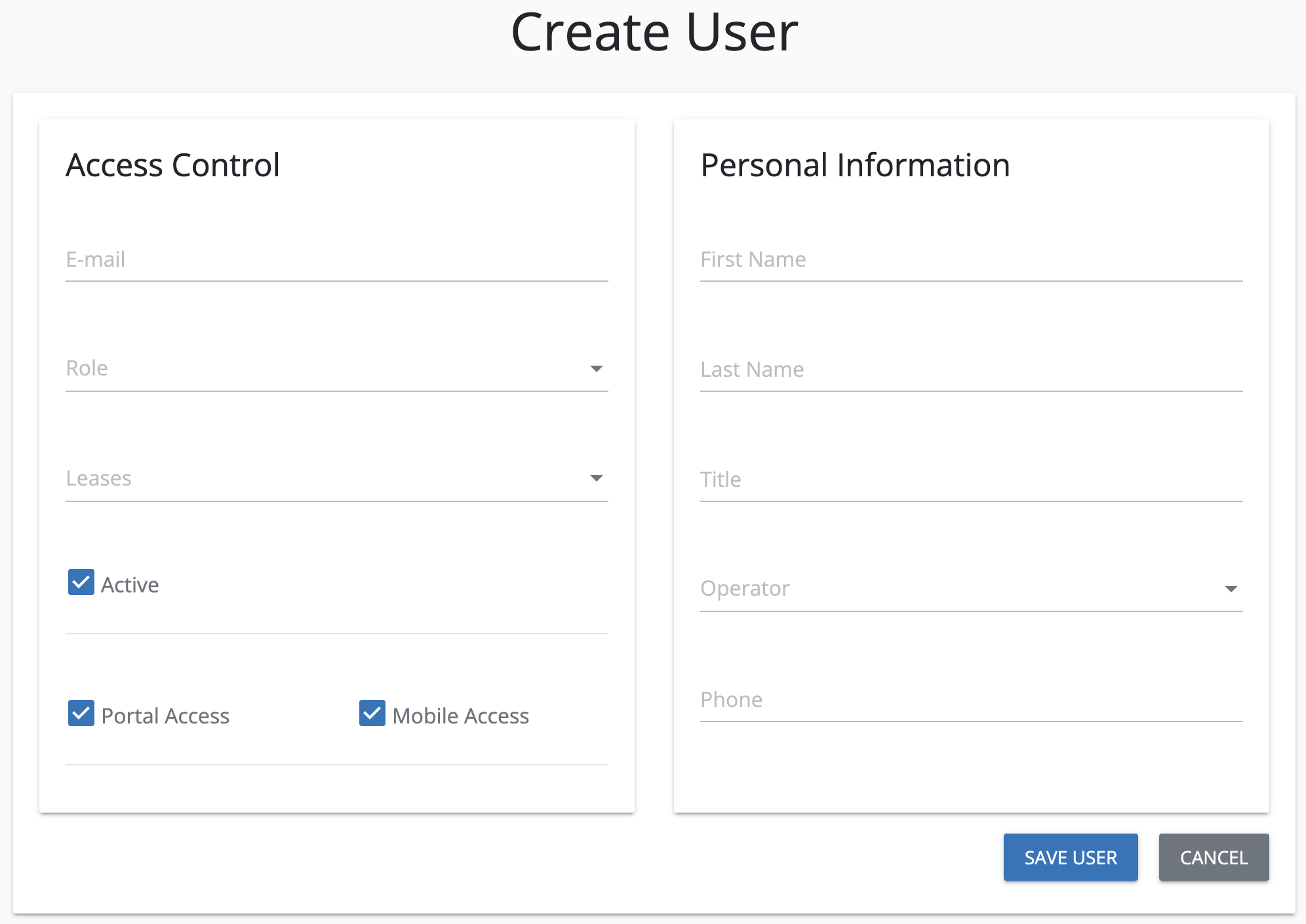
To create a new user, follow the steps outlined in the user creation form, divided into two main sections: Access Control and Personal Information.
Access Control
Complete all required fields to define the user’s access level:
- User Email: Enter the user’s email address.
- Role: Assign a role to define permissions and access.
- Leases: Specify leases the user can access.
- Active: Toggle this option to enable or disable the user’s account.
- Uncheck to disable the user from any type of access.
- Portal Access: Check this box to allow the user to access the web portal.
- Mobile Access: Check this box to enable access to the mobile application.
Personal Information
Provide basic information about the user:
- First Name: Enter the user’s first name.
- Last Name: Enter the user’s last name.
Only the first and last name are required fields in this section, ensuring minimal data entry for quick user setup.