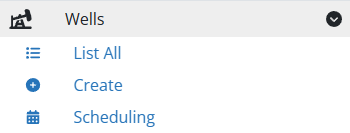
Wells
Understanding Wells
Wells are the fundamental operational units in the Digital Oilfield where all user actions take place. This section covers how to create, edit, and delete wells, along with setting initial values and managing alerts.
Create a Well
To begin creating a well, access the creation form through the navigation menu.
General Settings
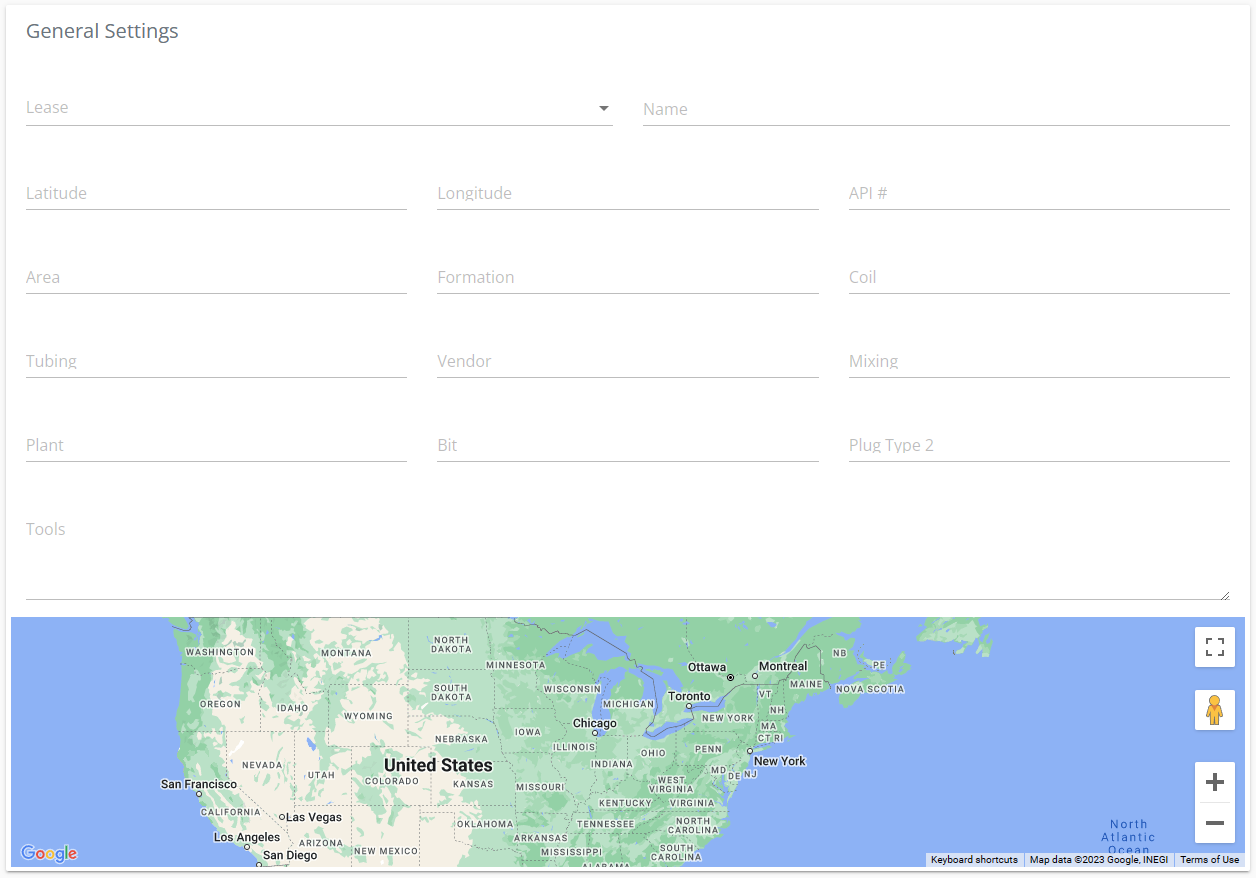
- Well Name: Provide a descriptive name for the well.
- Lease Assignment: Assign the well to a lease. The available leases may vary based on the user’s role.
- Coordinates: Enter the geographical coordinates manually or by double-clicking on the map. Use negative values for west longitudes and south latitudes as necessary.
Advanced Settings
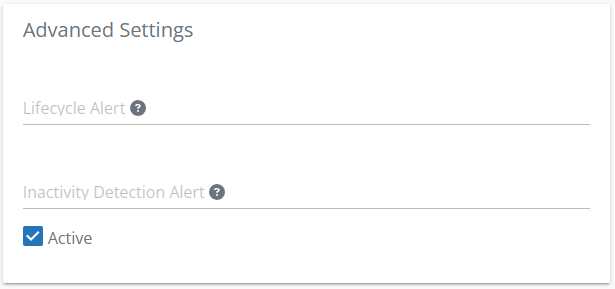
Configure alerts such as Lifecycle Alert and Inactivity Detection Alert to monitor well status effectively.
- Active Status: Toggle this option to set the well’s operational status. Unchecking will remove the well from the Digital Oilfield Mobile App selections.
Initial Values
Set initial operational values crucial for calculations in reports.
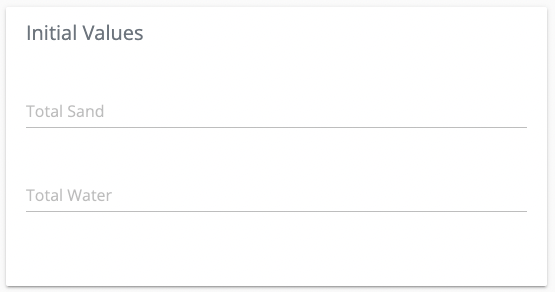
- Total Sand
- Total Water
These values are used to compute metrics in the cover sheet.
Edit a Well
- Navigate to the “List All” option under Wells in the navigation menu.
- Locate the desired well and click on the gear icon (⚙️).
- Choose “Update Well” to modify its settings.
Delete a Well
- Navigate to the “List All” option under Wells.
- Click on the gear icon (⚙️) next to the well you wish to remove.
- Select “Remove Well”.
FAQ
What are examples of user actions?
User actions in the context of wells include:
- Creating a new reading for operational data.
- Adding comments for updates or notes.